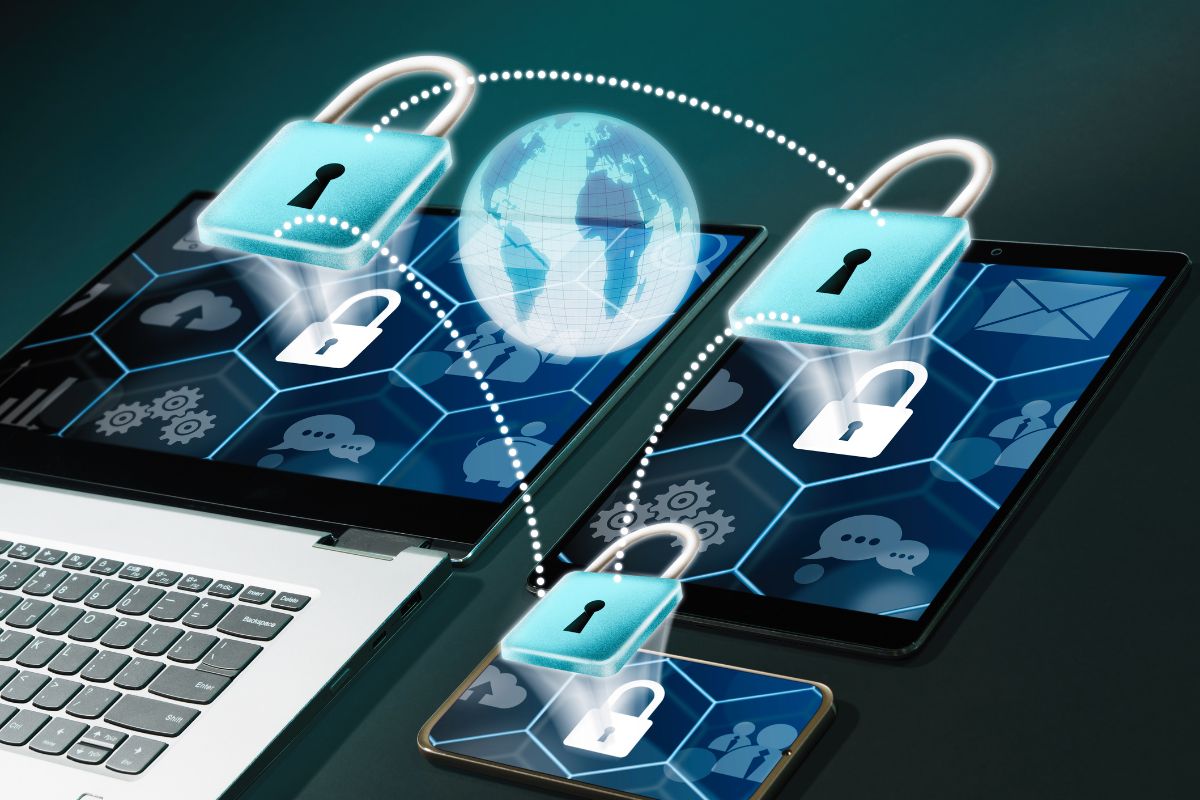
Best Practices for Securing Your Mobile Device
Mobile phones have evolved beyond mere communication tools.
They’re personal assistants, wallets, and storage for our work and cherished memories. Unfortunately, this also makes them top targets for criminals.
As of 2024, 95% of UK adults are smartphone users. However, not all devices are equally protected, and many users remain vulnerable to security breaches. Swot up on these security tips to keep your mobile safe from threats.
Add Layers of Protection
Start by setting a strong password for your mobile device. Avoid common choices like “123456” or “password” and instead create a unique combination.

Include a mix of uppercase and lowercase letters, numbers, and special characters whenever possible.
Many modern phones also offer biometric security features like fingerprint scanning and facial recognition, which provide an extra layer of defence.
These are convenient and can prevent unauthorized access even if someone gets hold of your device.
Activate two-factor authentication (2FA) for apps that store sensitive information, such as your banking or email apps.
This security method requires a second form of verification on top of your password. Common 2FA methods include a one-time code sent by text or email or a code generated by an authenticator app.
By adding this layer of protection, you significantly reduce the risk of unauthorized access, even if your password is compromised.
Keep Everything Updated
Cybercriminals are always on the lookout for vulnerabilities to exploit. Manufacturers and app developers frequently release updates to fix these weaknesses, which is why keeping your software up to date is so important.
It may feel inconvenient to wait for an update to download, but this small step can save you from major security headaches.
Check your phone’s settings and app store regularly for available updates. Better yet, enable automatic updates to ensure your operating system and apps are patched as soon as a fix is available.
This not only protects you but also keeps your device running smoothly with the latest features.
Choose Wi-Fi Networks Carefully
Public Wi-Fi is a double-edged sword—it’s convenient but often insecure. Hackers can intercept data transmitted over these networks, putting your personal information at risk.
Whether you’re at a coffee shop, airport, or hotel, think twice before connecting to an open Wi-Fi network.
One effective way to safeguard your data is by using a virtual private network (VPN).
A VPN encrypts your internet connection, making it difficult for anyone to spy on your online activities.
A mobile VPN is a great option to ensure your data stays secure while maintaining optimal performance on your device, whether you’re using Android or iPhone.
Back-Up Your Data
Losing data can happen to anyone, whether due to a hardware malfunction, theft, or a malware attack.
Regular backups ensure that your valuable information—like photos, documents, and contacts—can be recovered in case of an emergency.
Cloud storage services offer secure and convenient options for backing up your data. If you prefer a physical option, consider using an external hard drive or USB device.
Whichever method you choose, set up automatic backups to keep your information safe without requiring constant attention.

Stay Savvy in Public
Mobile security threats don’t always come from the digital world. Physical theft is an increasing concern, especially in crowded areas.
In the UK, reports of ‘snatch’ thefts—where thieves grab phones from unsuspecting victims—are on the rise.
To protect yourself, avoid displaying your phone unnecessarily in public places, especially if you’re in unfamiliar or busy locations.
Additionally, disable automatic connectivity features when you’re not using them.
Bluetooth, Wi-Fi, and Near Field Communication (NFC) are useful tools, but they can also expose your device to unauthorized access if left on in public spaces.
Turning off these features when they’re not needed reduces your chances of becoming an easy target.
Be Cautious with Apps and Downloads
Apps make our phones versatile, but not all are created equal. Some applications may request unnecessary permissions or even contain malware.
Always download apps from trusted sources, such as Google Play Store or Apple’s App Store, and read reviews to gauge their reliability.
Pay close attention to the permissions an app requests during installation. Does a flashlight app really need access to your location or contacts? If something seems unnecessary or invasive, it’s best to avoid the app altogether.
Similarly, be wary of email attachments or links from unknown senders, as these can be disguised attempts to infect your device with malware.
Combine Security Tactics
Cybercriminals are constantly finding new ways to bypass single security measures. If you excel in some areas but neglect others, your mobile device may still be at risk.
For example, using a strong password won’t protect your data if you’re careless about connecting to insecure Wi-Fi networks.
Instead, take a multi-pronged approach to security. Combine the practices above for comprehensive protection against both physical and digital threats.
By layering these strategies, you’ll make it much harder for attackers to compromise your device.