
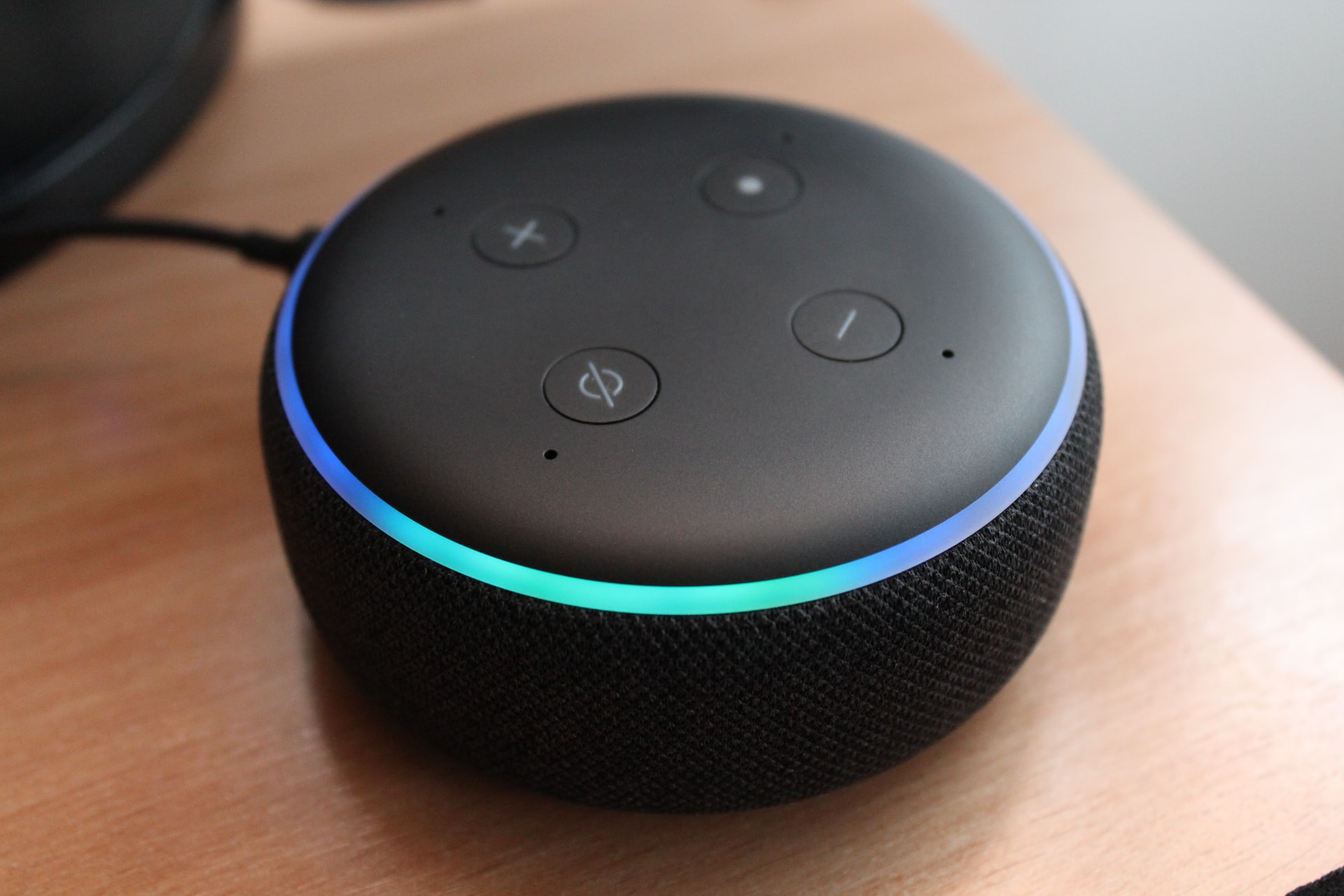
Echo Dot Blue Ring Of Death
If you frequently use Echo Dot in the UK, you might know about the Echo Dot’s blue ring of death and would like to learn more about it. The Echo Dot from Amazon is a smart speaker that works with Alexa. You can use it to get news, music, etc. However, there is a possibility that your Echo Dot will occasionally display the blue ring of death. But why does it happen?
Most Echo Dot users report that notifications are the most frequent cause of the blue ring of death. This issue may also occur because of poor internet, enabled do not disturb me and defective cable or AC adapter. However, there is a lot of hype regarding the blue ring of death. Also, it does not always mean that there is something wrong with the device.
What Causes Echo Dot Blue Ring Of Death?
Following are the reasons why Echo Dot experiences this issue.
Reason 1: Poor Network
The ring of death might appear if your internet connection has issues while connecting with the Echo Dot.
Therefore, if you use the echo device with WiFi, make sure the network is stable. When the Echo Dot displays the blue ring of death, it can occur when your WiFi is unstable or weak.
Your Echo Dot and the Alexa server need a strong WiFi connection to establish a connection. The Echo device should have a solid connection with the WiFi network to work correctly.
Reason 2: Defective Cable Or AC Adapter
The cable connecting the Echo Dot to the outlet plays a big part in most of its problems. If that cable is defective, you will see a blue ring of death on your Echo Dot.
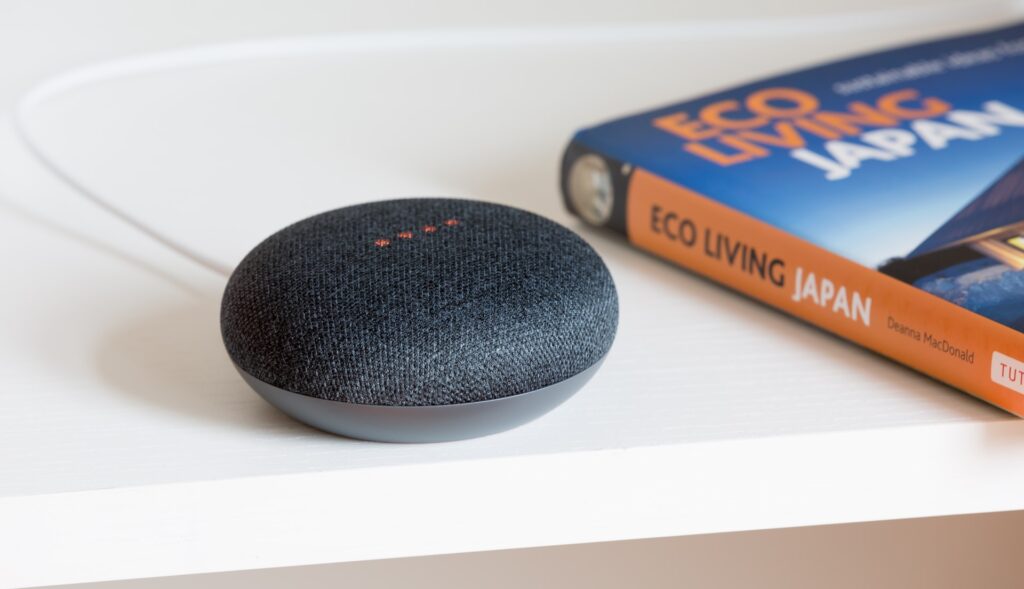
A damaged or loose cable may be to blame. You can try fixing this by unplugging the Echo Dot from the electrical source and reconnecting it. Should that not work, you might have to get a new cable.
Other than the faulty cable, the AC adapter can also cause the blue ring of death. Your Echo Dot may not work due to a malfunctioning AC adapter.
When the Echo Dot plugs into a wall outlet, it should instantly connect to WiFi. A defective AC adapter could cause the problem if it isn’t connecting or causing other issues.
Try plugging it into another outlet if you want to test it out. In case it does not work, switch to another adapter.
Reason 3: Enabled Do Not Disturb Mode
If the do not disturb mode is on, your Echo Dot might not work correctly and display the ring of death. Go to the settings page of the echo device and check the do not disturb settings if you continue to experience this.
Ensure that no-disturb mode is off on your device. Consequently, it is unlikely that you will obtain the blue ring of death after turning it off.
Conclusion
The blue ring of death on the Echo Dot, which never stops rotating, poses the most significant challenge for many users. Blue ring of death typically occurs by notifications which is not a problem.
However, it might also appear if your internet is slow or you have enabled do not disturb mode. In most cases, the ring of death on the Echo Dot is relatively easy to fix.


