
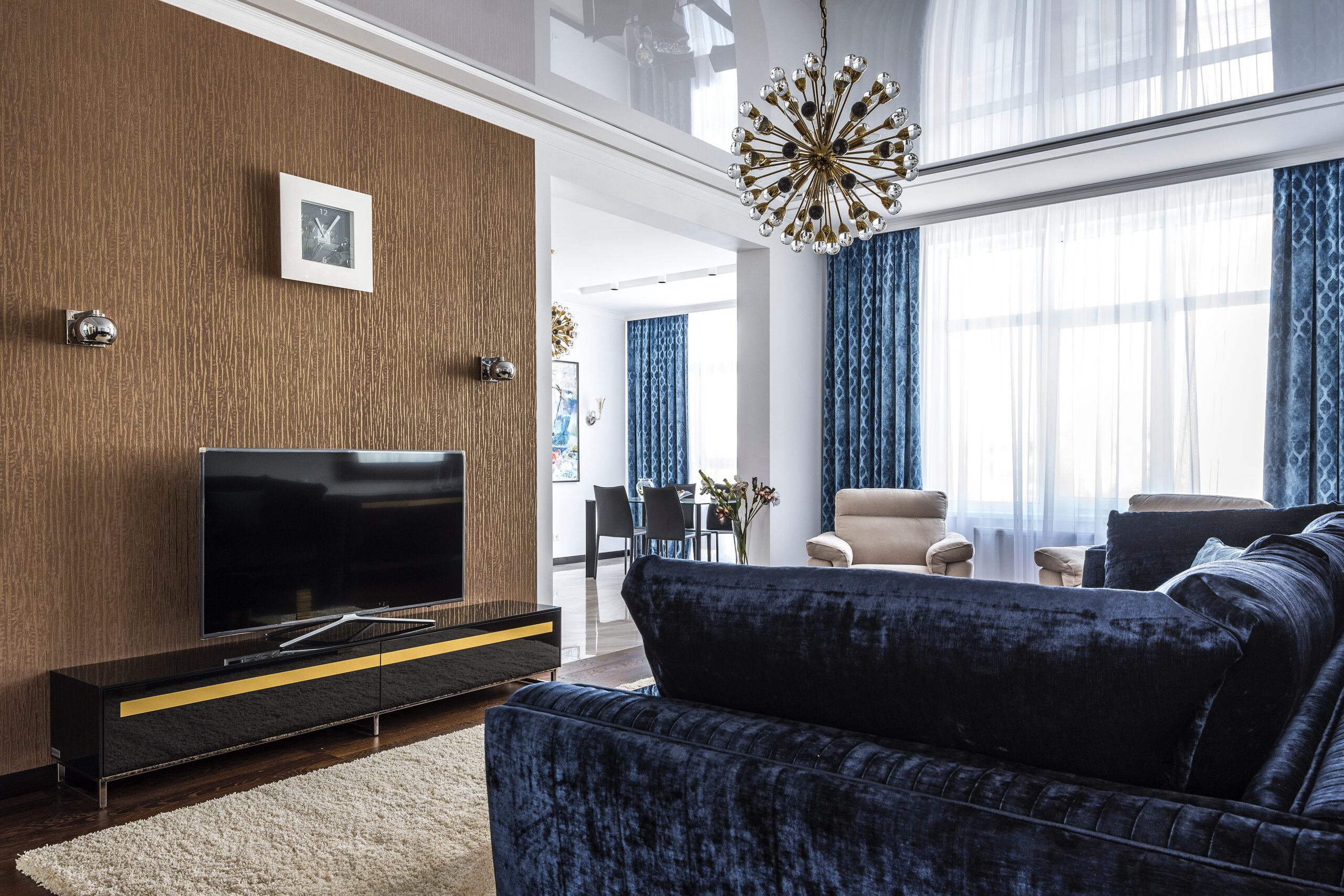
Samsung TV Keeps Disconnecting From Wi-Fi
You may have noticed that your Samsung TV keeps disconnecting from Wi-Fi. It’s a common problem amongst Samsung TV owners, whether in Australia or the UK. This can be extremely annoying, especially if you’re trying to watch your favourite TV show.
There are several reasons Samsung TVs keep disconnecting from Wi-Fi networks. These include poor signal strength, outdated firmware, and incorrect network settings. You can solve all of these issues and several others by following a few steps. If the problem with connecting your TV to Wi-Fi persists, you may need to contact Samsung customer support for further assistance.
This article will detail various reasons your Samsung TV keeps disconnecting from Wi-Fi. We’ll also walk you through possible solutions.
Reasons Your Samsung TV Keeps Disconnecting from WI-FI
Here are some of the possible reasons your Samsung TV keeps disconnecting from your Wi-Fi.
Poor Signal Strength
If your Samsung TV is located far away from your router, it may be receiving a weak signal. This can cause the TV to disconnect from the Wi-Fi network.

Interference
If there are other devices in your home that use wireless frequencies (such as baby monitors or microwaves), they may be causing interference. This can prevent your Samsung TV from connecting to the Wi-Fi network.
Outdated Firmware
If your Samsung TV’s firmware is out of date, it may be causing the Wi-Fi connection to drop. You’ll need to update the firmware in your TV’s settings menu.
Incorrect Network Settings
If your Samsung TV is not configured properly for your Wi-Fi network, it may have trouble connecting. You can fix this issue in your TV’s settings menu.
Damaged Hardware
If your Samsung TV’s Wi-Fi antenna is damaged, it may be causing the connection to drop. To fix this, you’ll need to contact Samsung customer support for assistance.
How to Fix It
Here’s what you need to do whenever your Samsung TV doesn’t connect to Wi-Fi.
Check the Signal Strength
Make sure that your Samsung TV is in a location where it can get a good signal from your router. If you’re using a wireless extender, try moving it closer to the router. Or, try restarting your router and TV. This will often fix the problem, as it will reset the connection between the two devices.
Move or Turn Off Interfering Devices
Try turning off devices that interfere with the Wi-Fi connection when you’re not using them. This includes microwaves and baby monitors. Alternatively, move them away from your router.
Update the Firmware
To update the firmware, go to the Settings menu on your TV and select “Support.” Then, select “Software Update” and follow the instructions on the screen.
Configure the Network Settings
Go to the Settings menu on your TV and select “Network.” Then, select “Network Settings” and enter the correct information for your network.
Contact Samsung Customer Support
If you’re still having trouble connecting your TV to Wi-Fi, you may need to contact Samsung customer support for further assistance.
Conclusion
It can be frustrating when your Samsung TV keeps disconnecting from Wi-Fi. You may be in the middle of a show or browsing for a new series to watch when this occurs. Luckily, solving this problem is not difficult at all.
Check your Wi-Fi signal and ensure it’s strong by moving your router closer to the TV. Alternatively, you can try updating the firmware or configuring the network settings. If all else fails, contact Samsung customer support.


